Introduction
In the internet age, social platforms are emerging in endless streams, and Paltalk, as a global video, voice, and text chat platform, has attracted millions of users with its unique features and cross-cultural communication experience. If you want to make friends from all over the world, practice your language, or experience a richer online social experience, Paltalk is a platform worth trying. This article will provide you with a comprehensive introduction to Paltalk’s features, advantages, limitations, and a user guide, allowing you to quickly get started and enjoy the fun of social interaction.
What is Paltalk?
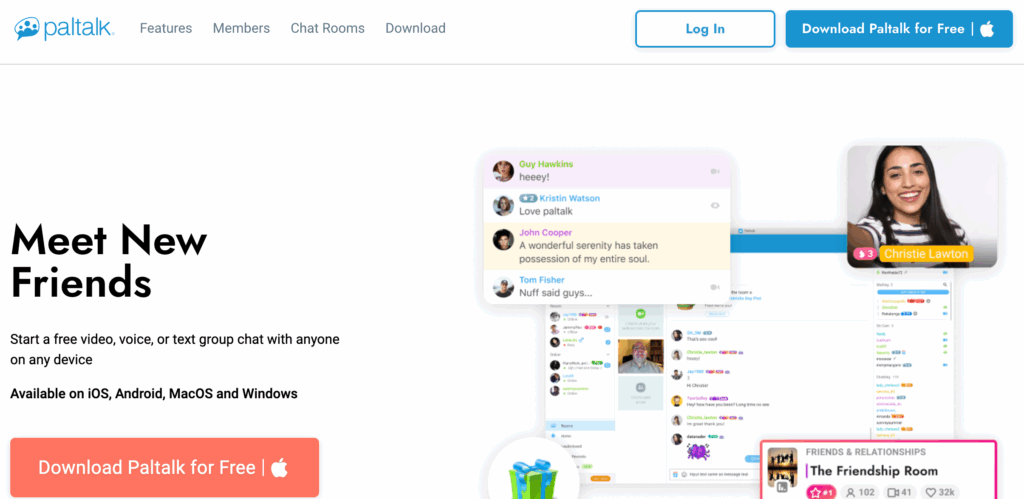
Founded in 1998, Paltalk is a multimedia instant messaging platform that supports video, voice, and text chat. Its core features are its global, multilingual chat room system and the ability for users to freely create rooms and share interests and life moments.
Compared to traditional instant messaging software, Paltalk’s advantage lies in its combination of real-time interaction and interest-based social networking.
How to Get Started Using Paltalk
- Download and Install
Choose the Windows, Mac, iOS, or Android version to download and install.
- Register an Account
Enter your nickname, email, password, and set your avatar and language preferences.
- Browsing Chat Rooms
Filter chat rooms by category or keyword and join those that interest you.
- Participating in Interactions
Communicate using text, voice, or video. Send virtual gifts and emoticons to enhance interaction.
- Creating a Chat Room
Create your own room if you’re interested. Set rules and manage members; suitable for organizing interest groups or online activities.
- Privacy Settings and Security Tips
Set privacy options appropriately. Be cautious when adding strangers and avoid sharing too much personal information.
Paltalk’s Core Functions
1. Chat Rooms
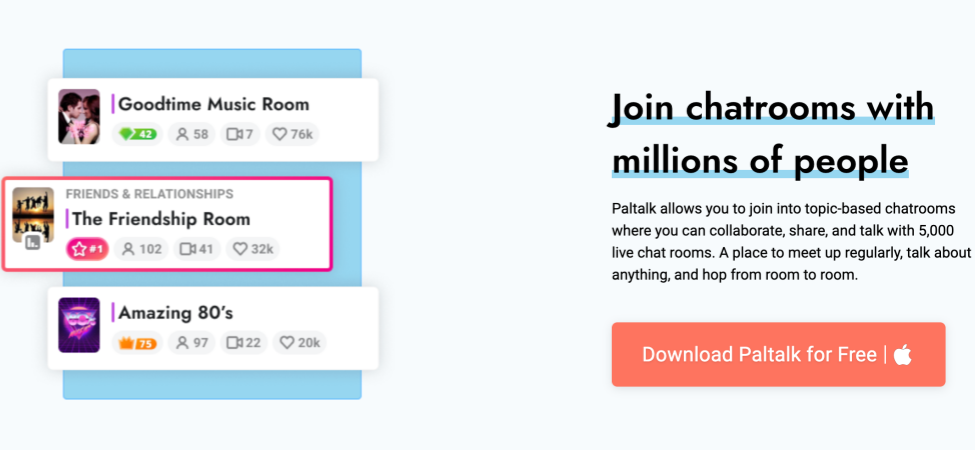
Paltalk boasts thousands of themed chat rooms, covering a wide range of categories including music, games, language learning, and hobbies. Users can join existing chat rooms or create their own and invite friends or strangers to participate. Chat rooms support video, voice, and text, greatly enriching the communication experience.
2. Video, Audio, and Text in One

- Video Chat: Real-time face-to-face communication, enhancing the realism of the interaction.
- Audio Chat: Smooth conversations without turning on your camera.
- Text Chat: Supports text messages, emoticons, and link sharing.
This diverse range of communication methods allows users to find a suitable way to communicate in different scenarios.
3. Cross-Platform Support
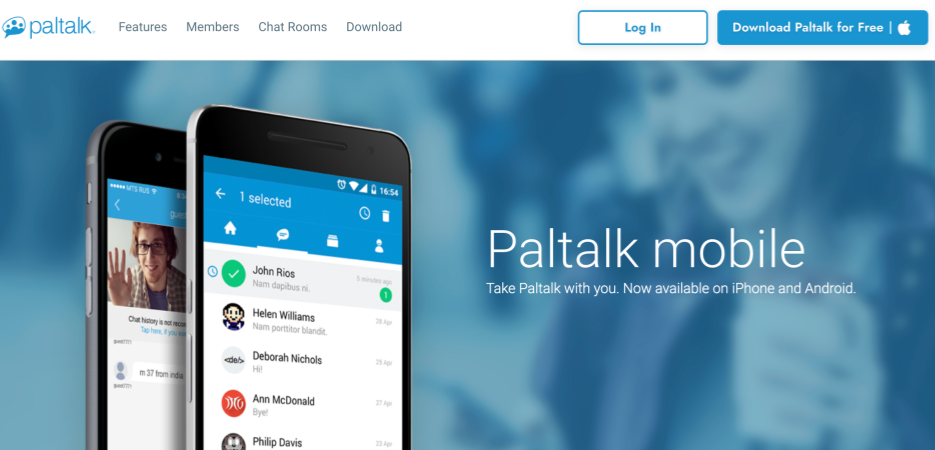
Paltalk is available on Windows, Mac, iOS, and Android, allowing seamless switching between mobile and computer, ensuring you can participate in social interaction anytime, anywhere.
4. Private Chat and Friend Management
In addition to public chat rooms, Paltalk offers one-on-one private chat functionality. Users can add friends, send messages, and share photos or videos to build deeper social relationships.
5. Virtual Gifts and Interactive Features
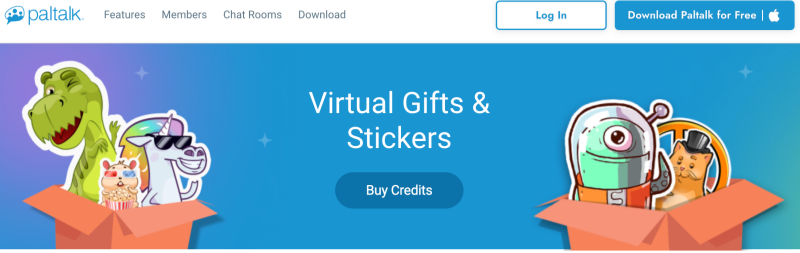
Virtual gifts are a social tool offered by Paltalk to help you interact, break the ice, or attract attention in chat rooms or with friends/Pals. Sending or receiving virtual gifts increases your “social reputation/trust” and accumulates “Achievement Level” within the community. You can even gift yourself as a way to increase your “reputation/achievement level.” Virtual gifts are purchased using the official currency, Paltalk Credits.
📦 How to Use — The Gift-Giving Process

The general process for using virtual gifts on Paltalk is as follows:
- Meet/Add Friends/Join Chat Rooms— Chat and interact with others.
- Purchase Credits— Purchase Credits packs in Paltalk’s Gift Store.
- Redeem Gifts& Send — Redeem virtual gifts or stickers with Credits and then send them to the target user in a chat room or private message (DM).
- Gain Status/XP/Achievement Level— Earn experience points (XP) and accumulate achievement levels each time you send or receive a gift.
- On both the desktop and mobile versions, you can select “Send Gift” by clicking the Virtual Gift icon or right-clicking (desktop) / clicking the nickname (mobile).
6. Paltalk Store
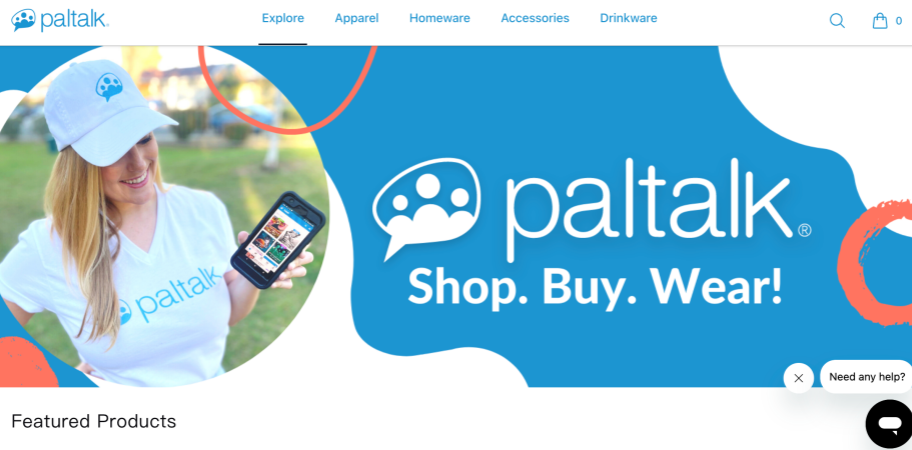
The store primarily sells physical goods (apparel, homeware, accessories, beverage containers, etc.) bearing the Paltalk logo or related designs.
🛍️ Product Categories
- Apparel: T-shirts, hoodies/sweatshirts, vests, long-sleeved shirts, etc.
- Homeware/Bathware
- Accessories: Face masks, phone cases, bags, etc.
- Drinkware: Water bottles, mugs, steel tumblers, pint glasses, etc.
🌈 Featured Products
The page lists some “Featured Products,” such as:
- “Paltalk Pride Logo Mug”
- “Paltalk Pride Logo Tote Bag”
- “Paltalk Pride Logo Women’s Premium V-Neck Tee”
- as well as women’s vests, hoodies, T-shirts, pint glasses, water bottles, phone cases, thermos flasks, and more.
Paltalk’s Advantages and Target Audience
- Global Communication: Paltalk’s chat rooms come from all over the world, allowing users to practice languages and expand their international network.
- Interest-Based Social Networking: The platform covers a variety of interest topics, making it ideal for finding like-minded people and sharing hobbies and experiences.
- Multimedia Interaction: The combination of video, voice, and text interaction is more realistic and immersive than traditional chat tools.
- Creating and Managing Rooms: Users can create chat rooms according to their needs, suitable for organising online gatherings or interest groups.
Suitable for: People who want to make international friends, hobbyists, language learners, and those who enjoy multimedia communication.
Tips and Suggestions for Using Paltalk
- Choose the Right Chat Room: Select rooms based on your interests, language, and conversational atmosphere to enhance your social experience.
- Polite Interaction: Respect others and use emoticons and virtual gifts to liven up the atmosphere.
- Gradually Build Private Chat Relationships: Interact in chat rooms first, then deepen your understanding through private chats, but be mindful of protecting privacy.
- Language Practice Opportunities: If you want to practice a foreign language, choose chat rooms in your non-native language and use translation tools to assist communication.
Conclusion
Paltalk, as a multilingual, multicultural, and multimedia social platform, provides users with a rich online communication experience. It’s not only suitable for those who enjoy exploring new friends and engaging in interest-based social networking, but also provides a place for language learners to practice their languages. Despite the risks associated with language, user quality, and privacy, as long as it’s used responsibly and users are careful in making friends, they can enjoy the unique social fun Paltalk offers.
If you’re looking for a more authentic and immersive online social experience, Paltalk is a great choice—with it, you can transcend borders and chat with people all over the world, fostering fun and friendship.
FAQs
1. How do I register for a Paltalk account?
Users can download the Paltalk app or register an account through the official website. Registration involves filling in a nickname, email address, password, and setting an avatar and language preference.
2. How do I join or create a chat room?
Users can join existing chat rooms by filtering by interest, language, or topic from the chat room list. They can also create their own chat rooms, set rules, and invite friends or other users to join.
3. Is Paltalk free to use?
Paltalk’s basic functions are free, including joining chat rooms and text/voice/video chat. However, some advanced features (such as watching multiple videos simultaneously and special room privileges) require a paid subscription.
4. Is it safe to use Paltalk?
The Paltalk platform provides basic privacy settings, but users should still be careful to protect their personal information and avoid adding strangers or disclosing sensitive data to prevent potential risks.